Call Center
 A call center is a team that handles a large volume of phone calls, e.g. help desk, student support, etc. It is used to route, manage, and track calls efficiently.
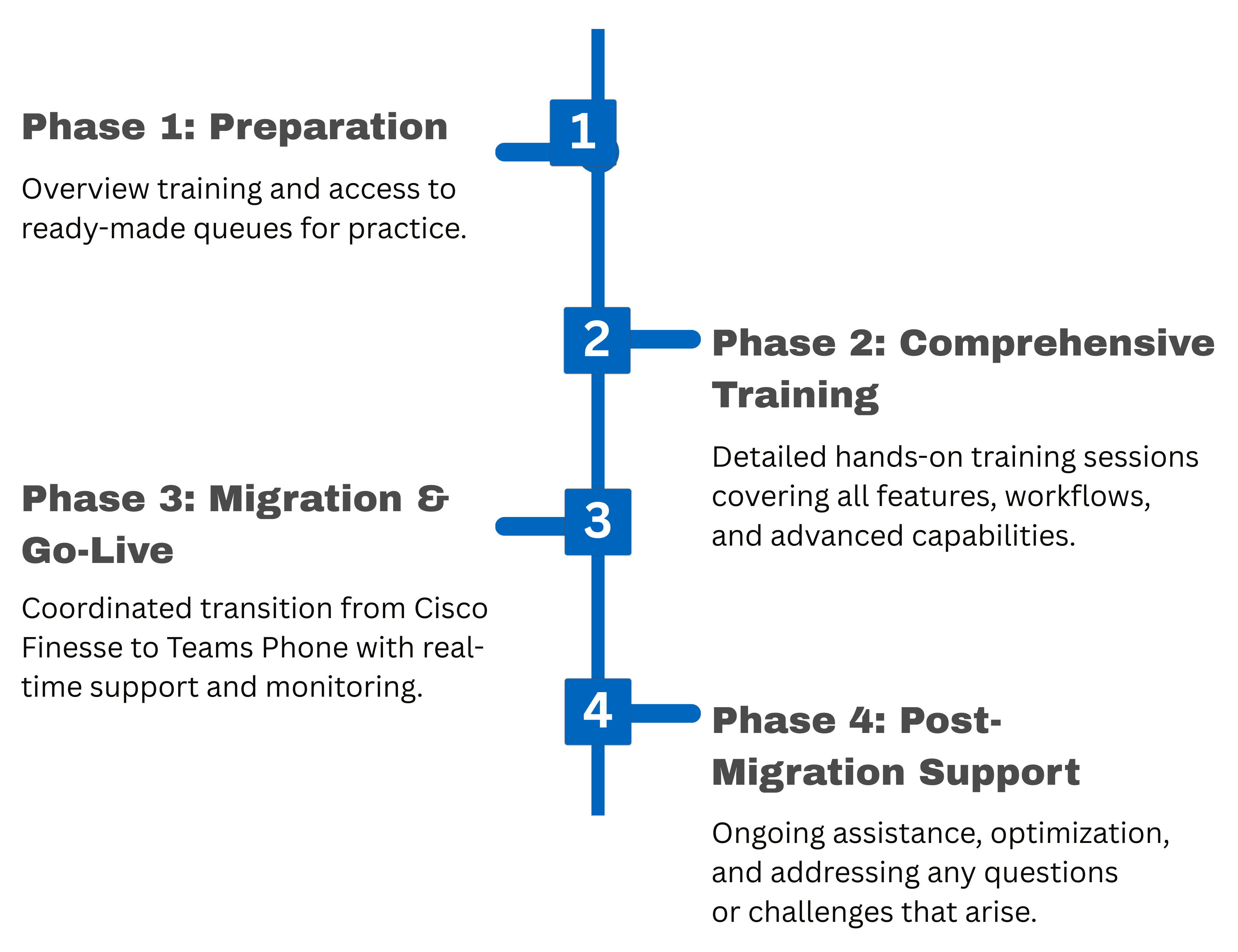
Call Center Implementation Phases
Call Center Team
Team Site linked to the Call Center
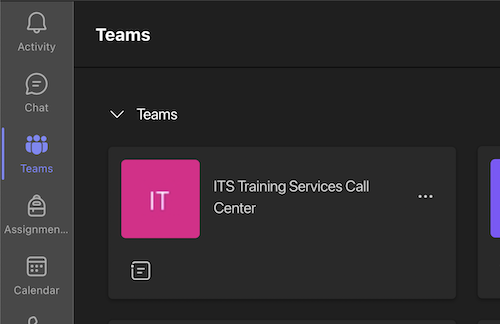
Each Call Center is connected to a Team Site in Teams, enabling call center members to answer calls directly within Teams and collaborate with colleagues.
The Team site for your Call Center serves as your primary hub for managing all aspects of your call queues. Answer calls directly in Teams, access customer information easily, and collaborate with colleagues without switching between platforms.
If you have a physical phone for your Call Center, it will be added to the Team. When the main line number is called, the physical phone will ring, as will any available agents.
- In myCoyote, click Tech Tools
- Click Microsoft Teams