📝 Summary
Follow these instructions to export your student account to alumni account:
💡 Tip:
🚀 Steps
- Make sure you are signed into your student email account
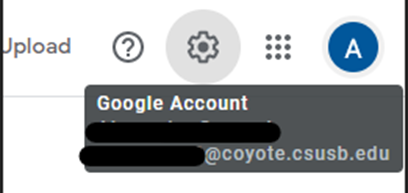
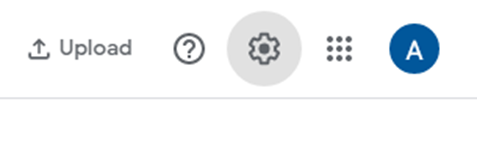
- Go to Settings by clicking the gear icon up on the top right corner
- Scroll down to “Export your data” and click on the show more arrow

- Select “Backup”

- Click on Show more products
- You will see a list of items you are allowed to export, check off each item you would like to transfer to your alumni email
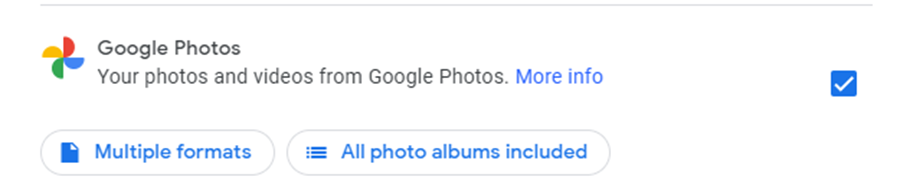
- Proceed by clicking “Next Step”

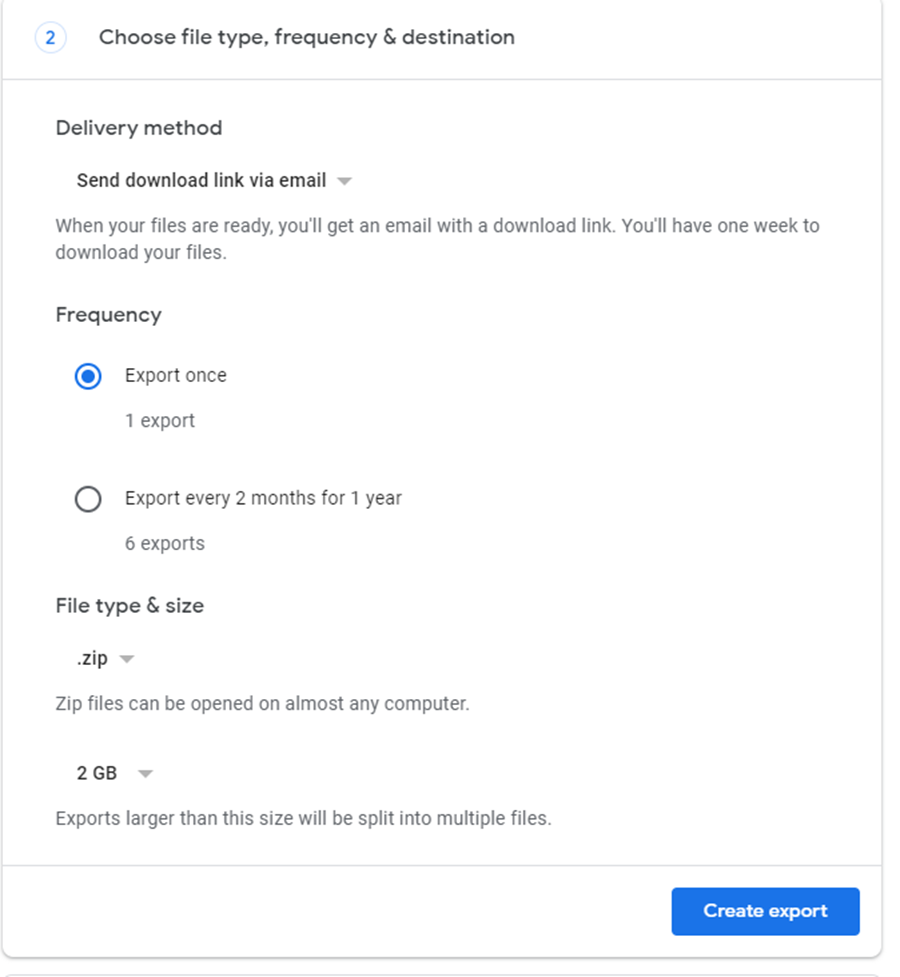
- Select “Export once” and then “create export”
- You will see your files are now being exported
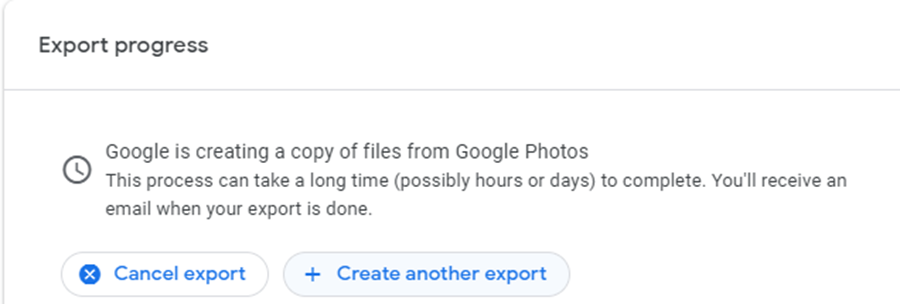
- Once your have been fully exported you should be able to download the zip file

- You may need to sign in

To upload your photos to your alumni account:
- Log into your alumni Google drive account
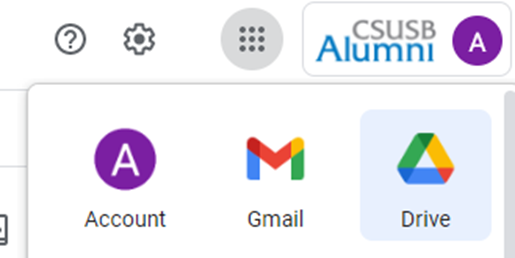
- Select New
- Select Upload

- Select the zip file that was downloaded

- Select the zip file
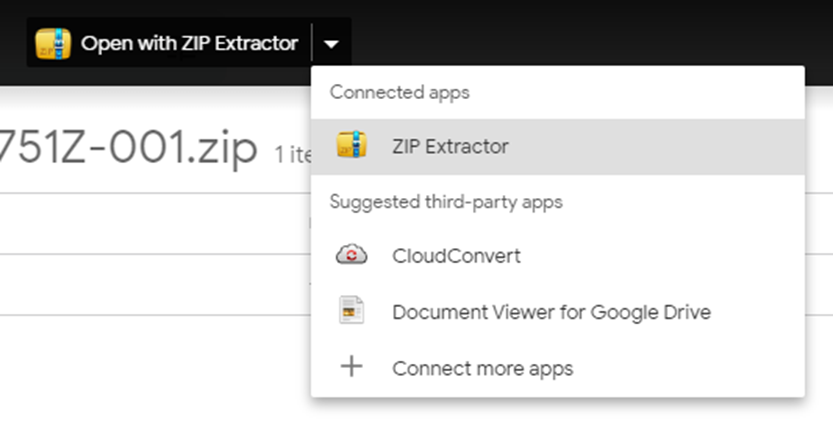
- You will need to extract the file so open with “Zip Extractor”
- Extract to Drive
- You should be able to now view the files in your drive